

Create a wallet and connect to the game
Step by step with real Sunflower Land screens: MetaMask, Ronin, seed phrase, browser extension, and game login + SFL Manager.
Before you start
A crypto wallet holds your keys and signs transactions. In Sunflower Land you mainly need a wallet to:
- Connect your account / Farm NFT (Polygon network)
- Withdraw and move FLOWER (Base network)
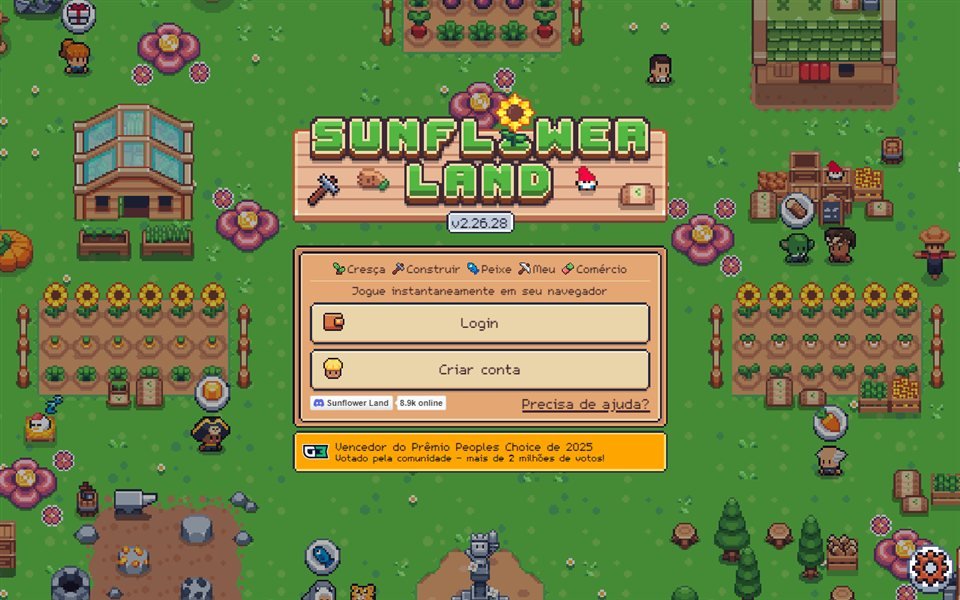
Open the game at sunflower-land.com/play. The welcome screen offers Login or Create account (UI language follows your game settings):
| Wallet | Best for | On the SFL login panel |
|---|---|---|
| MetaMask | Ethereum, Polygon, Base, other EVM chains | Yes — recommended (Polygon + Base) |
| Ronin | Axie ecosystem / Ronin chain | Listed on the official wallet wall |
| Coinbase | EVM wallet | Listed |
| Phantom | Solana (plus some EVM features) | Usually via WalletConnect under Show more |
Tip: For Farm NFT + FLOWER with the least friction, use MetaMask with Polygon and Base. Ronin and other options appear on the official panel — always check the domain is sunflower-land.com before approving.
Seed phrase: the golden rule
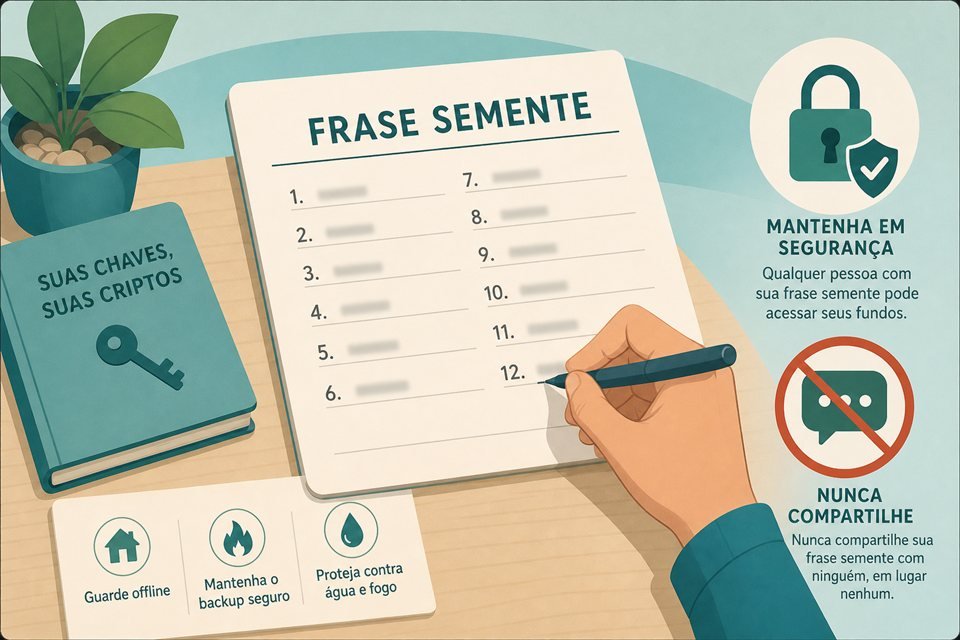
During setup you see 12 or 24 words (seed / recovery phrase). Anyone with those words controls the wallet — and every NFT or FLOWER inside it.
How to store it
- Write the words on paper, in the correct order (1 → 12).
- Keep them in a safe physical place (not cloud photos, chat, or email).
- Complete the app’s confirmation quiz.
- Never type the seed on a website, “support” form, or Discord.
Critical: Real game or SFL Manager support never asks for your seed phrase. Anyone who does is a scammer.
Restore / import with the seed
- Install the same wallet (or a compatible one) on PC or phone.
- Choose Import / Restore with recovery phrase.
- Enter the 12/24 words in order.
- Set a new device password (password ≠ seed).
- Confirm the wallet address matches the old one.
MetaMask (recommended for Sunflower Land)
Install the extension
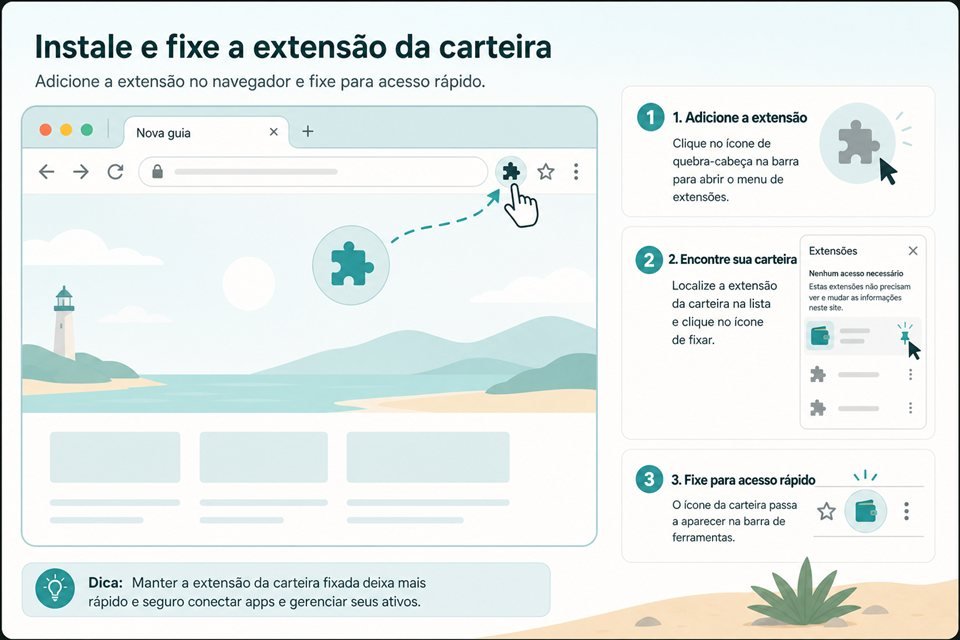
- Official site only: metamask.io — avoid fake Chrome Web Store clones.
- Click Add to Chrome (also works on Brave / Edge Chromium).
- Pin the fox icon to the toolbar.
- Then open
sunflower-land.com/play.
Create a new wallet
- Open MetaMask → Create a new wallet.
- Set a strong browser password.
- View and write down the Secret Recovery Phrase.
- Confirm the words the app asks for.
- Save your address (
0x…) — that is what the game will see.
Polygon and Base networks
- Open the network selector in MetaMask.
- Enable Polygon and Base (add them in settings if missing).
- Use Polygon when signing Farm NFT actions.
- Use Base for FLOWER in the wallet / withdrawals.
Connect to Sunflower Land
- Open sunflower-land.com/play.
- Click Login (or Create account the first time).
- On the wallet panel, choose Metamask (Google, Coinbase, Ronin, and Show more are also there).
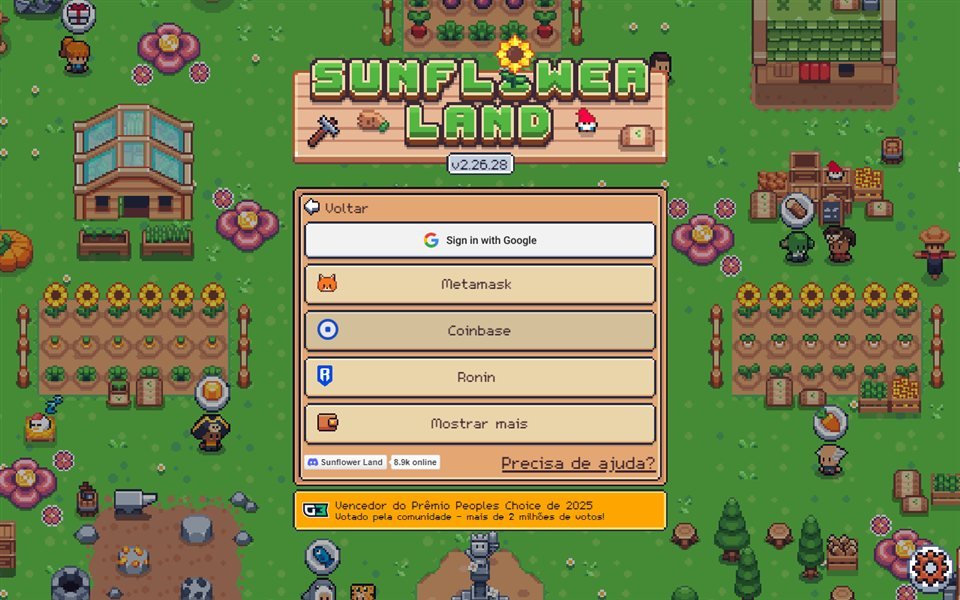
- Under Show more you get WalletConnect, Sequence, Wechat, and FSL ID:
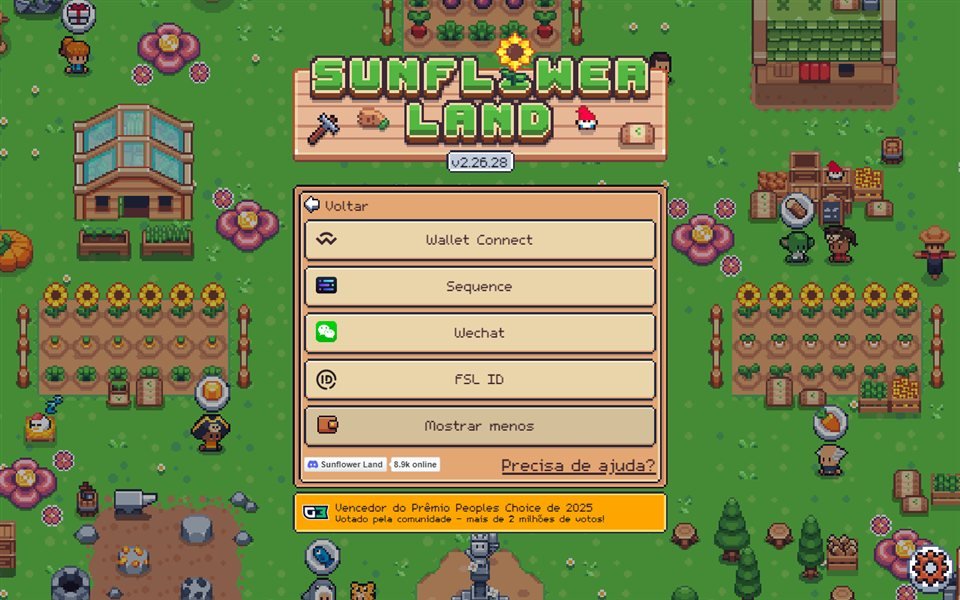
- MetaMask asks for permission — check the domain (
sunflower-land.com) and approve. - If it asks for a signature, read it and confirm.
Warning: If you already own a farm on another wallet, connect that wallet. A brand-new wallet shows an empty farm — it does not merge with the old one.
Ronin Wallet
Ronin appears on the official Sunflower Land login wall. You can create it from wallet.roninchain.com, write the seed on paper, and use the Ronin button in the game.
For day-to-day FLOWER on Base and EVM flows, many players still prefer MetaMask with Polygon + Base. If you connect with Ronin, test deposit/withdraw with a small amount first.
Phantom
Phantom is strong on Solana. On the SFL panel it usually appears via WalletConnect (under Show more), not as a primary button. For the classic Polygon/Base game flow, MetaMask remains the most direct choice.
- Official site: phantom.app.
- Install the extension → create a wallet → write the seed offline.
- In SFL, if you use Phantom, prefer WalletConnect and always verify the domain.
SFL Manager extension + game
Besides the wallet, SFL Manager has a browser extension that reads farm state with the game tab open (timers, inventory, alerts). It never asks for a seed and never signs transactions.
- Install from the Chrome Web Store — SFL Manager.
- Open
https://sunflower-land.com/playand enter your farm (Google or MetaMask). - Click the extension icon → side panel.
- Confirm the farm ID / NFT matches your island.
Full guide: SFL Manager extension.
Quick checklist
- [ ] Seed written on paper and stored safely
- [ ] MetaMask (or your chosen wallet) installed from the official site
- [ ] Polygon and Base enabled (if using MetaMask)
- [ ] Game open on
sunflower-land.comwith the correct wallet on Login - [ ] (Optional) SFL Manager extension installed with the game tab logged in
Common mistakes
| Problem | What to do |
|---|---|
| “Empty” farm | You connected a different wallet — switch to the NFT owner |
| Seed asked on Discord | Block; it is a scam |
| Wrong network | Check Polygon vs Base before signing |
| Manager extension empty | Open /play logged in and refresh the island |
Next step
With a safe wallet, read Wallets, FLOWER, gems, and Coins, and Getting started if you are still in Pete’s tutorial.